Add New/find old Patient and start of visit in Odoo
Steps
- Add New patient
- Go to the odoo
- Click New Session
- Set an Opening Cash if have, otherwise set 0.
- Open New session
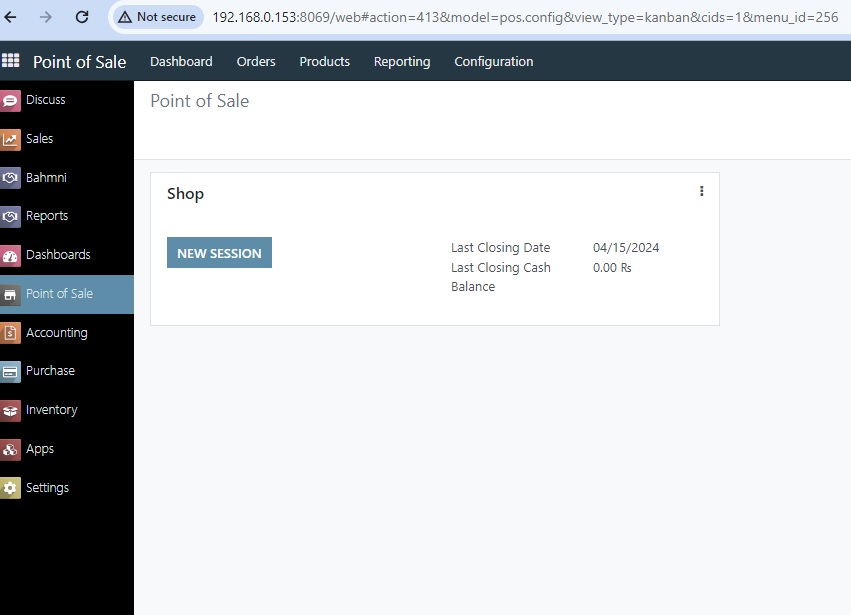
- Click on customer and create new customer or search existing one.
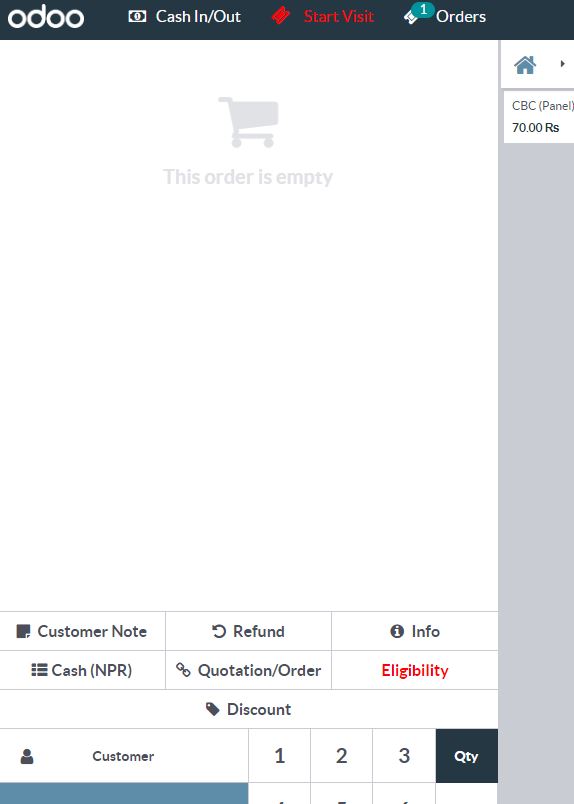
- Fill the patient details and click save.
- Then patient will automatically created in OPENMRS, and Senaite as well.
2. Search patient and start of visit.
- Click on customer, window will popup and there are create, discard and search option.

- Find and select targeted patient.
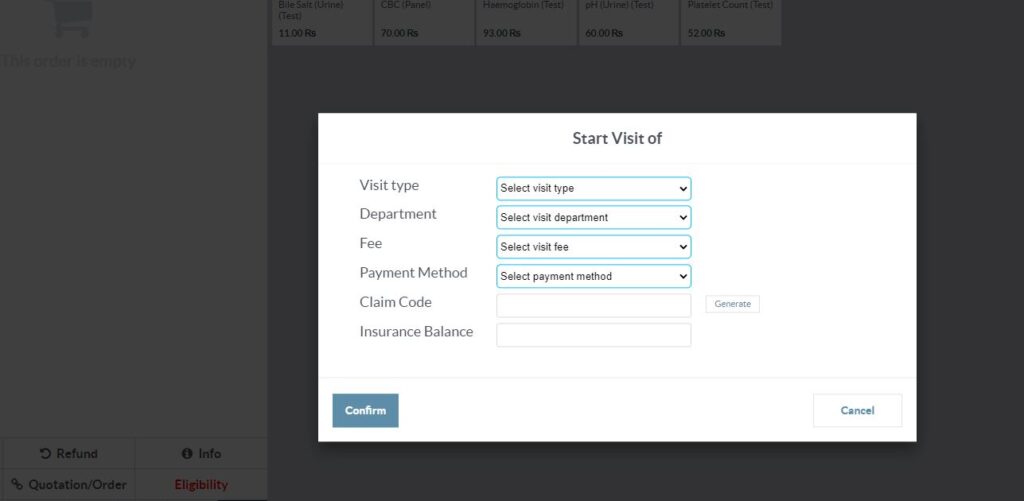
- Click on start of visit and fill the form and click on confirm, then form will select items at cart list appear at left top.
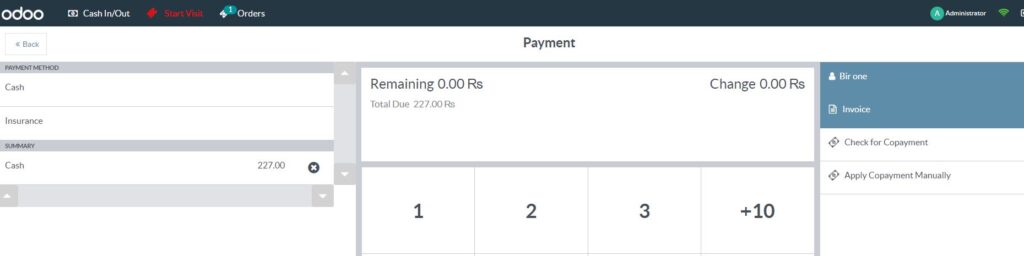
- Then, select appropriate method of payment (cash, insurance, copayment) and click on payment.
- After clicking payment, click on validate and then you can print the sticker and receipt.
- Related video.